SVG icons
The Complete Guide to SVG Icons
7 min read
The Complete Guide to SVG Icons
SVG icons are now a common part of modern websites, mobile apps, dashboards, and digital products. They are lightweight, scalable, and easy to customize, which makes them useful for both designers and developers. Whether you are creating a website interface or designing an app, choosing the right icon format can improve both appearance and performance.
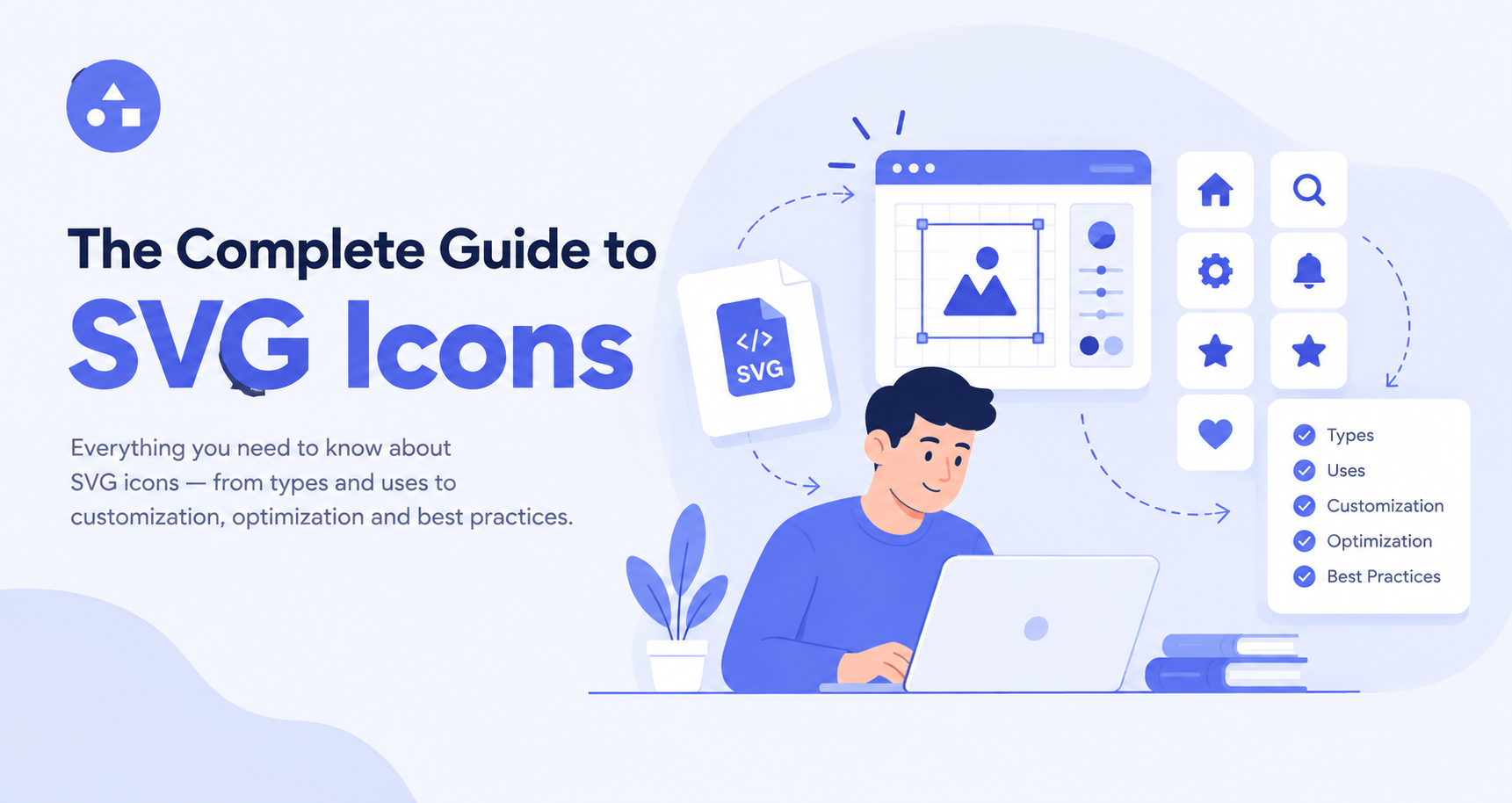
This SVG icon guide explains what SVG icons are, why they are useful, where to find them, and how to use SVG icons in different projects. You will also learn how to choose the right SVG icon library and customize icons for your design needs.
What Are SVG Icons?
SVG stands for Scalable Vector Graphics. Unlike raster images such as PNG and JPG, SVG files are made with vector-based code. This means they can be resized without losing their quality.
SVG icons are small vector graphics commonly used to represent actions, features, objects, or navigation options. For example, a website may use a search icon, menu icon, home icon, download icon, or social media icon.
Because SVG files are based on XML code, they can also be edited using design tools or directly through code. This gives designers and developers more control over the way an icon looks and works.
Why Use SVG Icons?
There are several reasons why SVG icons are popular in modern digital design.
They Stay Sharp at Any Size
One of the biggest advantages of SVG is scalability. You can make an icon very small for a mobile interface or enlarge it for a large screen without making it blurry.
This makes SVG a strong choice for responsive websites and applications that need to work across different screen sizes.
They Have Small File Sizes
Well-designed SVG files can be much smaller than high-resolution raster images. Smaller files can help reduce page weight and may contribute to faster website loading.
For websites that use many interface icons, using optimized SVG files can be especially useful.
They Are Easy to Customize
SVG files can be changed more easily than many other image formats. You can modify their color, size, stroke, and other properties depending on how the icon was created.
This makes SVG icons useful when you need an icon to match a specific brand style or user interface.
They Work Well With Responsive Design
Modern websites need to work on phones, tablets, laptops, and large screens. SVG graphics can scale with the layout, making them suitable for responsive interfaces.
Common Uses of SVG Icons
SVG icons can be found in almost every type of digital product. Some common uses include:
- Website navigation
- Mobile app interfaces
- Buttons and call-to-action elements
- Search and filter controls
- Social media links
- E-commerce websites
- Dashboards
- Software applications
- Figma and other design projects
- Web development projects
For example, a shopping website may use a cart icon, heart icon, user icon, and filter icon. These small visual elements help users understand an interface without reading a lot of text.
Free SVG Icons vs. Paid Icons
There are many websites where you can find free SVG icons for personal and commercial projects. Free resources can be useful when you need icons quickly or want to explore different styles.
However, always check the license before using an icon. Some free icons may require attribution, while others may have restrictions on commercial use or modification.
Paid icon collections may offer more consistent styles, larger collections, better customization options, and additional formats.
When choosing between free and paid resources, consider your project requirements rather than choosing only based on price.
What Is an SVG Icon Library?
An SVG icon library is a collection of icons that can be searched, downloaded, and used in digital projects. Libraries can contain hundreds, thousands, or even millions of icons covering different categories and design styles.
A good library should make it easy to find the right icon. Useful features may include:
- Search and category filters
- Multiple icon styles
- SVG and PNG formats
- Customization options
- Easy downloads
- Consistent icon sets
- Developer-friendly integration
Using an SVG icon library saves time because you do not need to create every basic icon from scratch.
How to Use SVG Icons
Understanding how to use SVG icons is important for both designers and developers. The exact process depends on your project.
Use SVG Icons in HTML
Developers can add an SVG file to a website using an image element:
<img src="search-icon.svg" alt="Search">
This method is simple and works well when the SVG is being used like a normal image.
You can also use inline SVG when you need more control over the icon's properties. Inline SVG allows developers to change attributes such as width, height, and color through CSS or code.
Use SVG Icons in Design Tools
Designers can import SVG files into tools such as Figma and other vector design software. Once imported, an SVG can often be resized, recolored, and adjusted to fit the design.
This is useful when creating website layouts, mobile app screens, prototypes, and design systems.
Use SVG Icons in Web Interfaces
SVG icons are commonly placed inside buttons, menus, cards, forms, and navigation areas. They can make interfaces easier to understand while keeping the design clean.
For example, a download button can include a download icon next to its text. The icon provides an additional visual clue about the button's purpose.
How to Customize SVG Icons
Customization is another major benefit of SVG. Depending on the file structure, you can change several properties.
Change the Size
SVG icons can be resized using CSS, HTML attributes, or design software. Because they are vector graphics, increasing their size does not normally reduce their sharpness.
Change the Color
Many SVG files use properties such as fill or stroke. These can sometimes be modified to match your brand colors or interface theme.
Change the Stroke
For line-style icons, adjusting the stroke width can create a lighter or heavier visual appearance. This can help match icons with your existing design system.
Keep the Style Consistent
Customization should not make your interface look inconsistent. If your website uses outline icons, try to use a similar style throughout the interface.
How to Choose the Right SVG Icon
Not every icon is suitable for every project. Before downloading an icon, consider these factors:
Style: Choose icons that match your website or app's visual language.
Quality: Make sure paths and shapes are clean and properly designed.
Consistency: Icons used together should have similar proportions and visual weight.
License: Check whether the icon can be used for your intended project.
Customization: Look for editable files if you need to change colors or strokes.
Format: SVG is often a good choice when you need scalable vector graphics for digital interfaces.
Common Mistakes to Avoid
Even though SVG is easy to work with, there are a few mistakes to avoid.
First, do not download icons without checking their license. A free download does not always mean unrestricted commercial use.
Second, avoid mixing too many unrelated icon styles. Combining filled, outlined, 3D, and hand-drawn icons can make an interface feel unorganized.
Third, do not ignore accessibility. When an icon communicates important information, provide suitable text or alternative information so users can understand its purpose.
Finally, keep SVG files optimized. Unnecessary code and metadata can increase file size.
Find the Right SVG Icons with IconMarvel
Looking for a simple way to find and customize high-quality SVG icons? IconMarvel provides an extensive icon library designed for designers and developers. You can explore different icon styles, find icons for your projects, and customize SVG icons to fit your design needs.
Explore IconMarvel today and find the right SVG icons for your next website, app, or digital project.
Final Thoughts
SVG icons offer a flexible way to improve websites, apps, and digital products. Their scalability, customization options, and small file sizes make them a practical choice for modern interfaces.
Whether you need free SVG icons for a small project or a complete SVG icon library for professional design work, choosing high-quality and consistent icons can save time and improve your user interface.
This SVG icon guide can also help you understand how to use SVG icons across design and development workflows. With the right icons, proper customization, and consistent usage, you can create cleaner and more user-friendly digital experiences.