Icon Design & Workflows
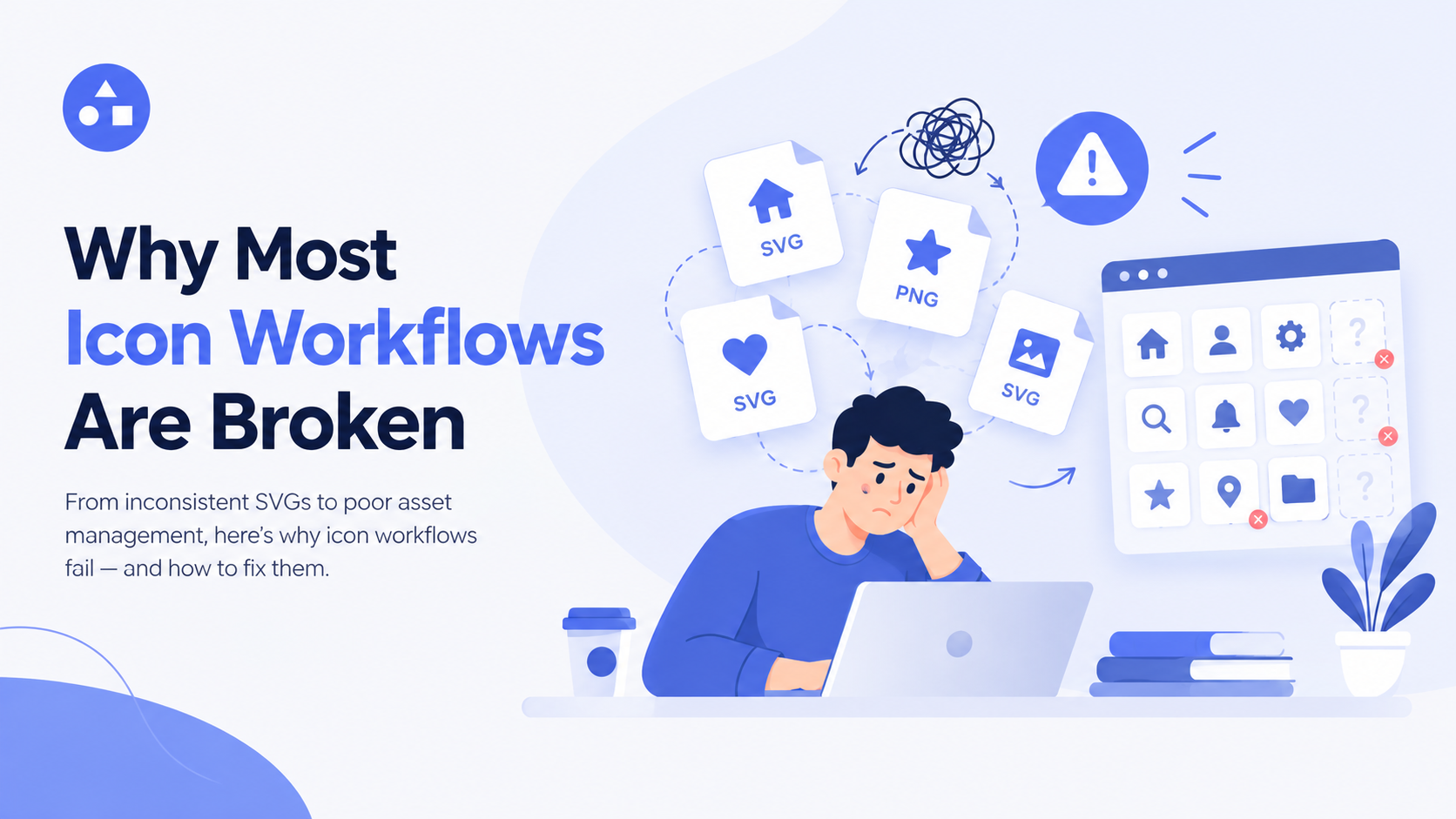
Why Most Icon Workflows Are Broken
7 min read
Why Most Icon Workflows Are Broken
A good icon should make a design project easier, not create more work. Yet many designers and developers still spend too much time searching for icons, changing file formats, fixing sizes, editing colors, and organizing files. The problem is often not the icons themselves. It is the icon workflow behind them.
A weak icon workflow can slow down an entire project. Designers may switch between different websites to find the right icon, download several file types, manually edit each icon, and then repeat the same process for every new project. Over time, these small problems become a major waste of time.
A better approach starts by understanding why the current icon design workflow fails and how a more organized process can solve these problems.
What Is an Icon Workflow?
An icon workflow is the complete process used to find, customize, organize, export, and use icons in a digital project. It can include everything from searching for an icon to adding it to a website, mobile app, dashboard, or design file.
A typical icon design process may look simple:
- Search for an icon.
- Download it.
- Edit it.
- Change its size or color.
- Export the required format.
- Add it to the project.
The problem is that each step can happen in a different tool. A designer may search one icon library, edit the icon in another application, convert the file somewhere else, and finally organize it manually.
This creates unnecessary friction.
Why Most Icon Workflows Break
Most broken workflows have the same basic problems. The process may work for one or two icons, but it becomes difficult when a project needs hundreds of icons.
Too Many Tools
One of the biggest problems is tool switching. Designers often use one platform for searching, another for editing, and another for file conversion. This makes the icon workflow longer than it needs to be.
Every extra tool means another interface to learn, another file to manage, and another chance to lose consistency. When a team works together, this can become even harder because everyone may use different tools and settings. Modern icon management tools can reduce this problem by bringing search, organization, and customization into a more connected process.
Searching Takes Too Long
Finding an icon sounds easy until a project requires a very specific visual style. A designer may search for terms such as "calendar," "settings," or "user," but receive hundreds of similar results. Then they need to compare styles, shapes, sizes, and formats.
This makes the icon design workflow slow. A good search system should help users find the right icon based on meaning and intent, rather than forcing them to search through endless results manually.
Inconsistent Icon Styles
Another common issue is inconsistency. Imagine a website where one icon uses thick lines, another uses thin lines, and another has a completely different visual style. Each icon may look good on its own, but they do not work well together. A strong icon workflow should make visual consistency easier.
Icons should ideally follow similar rules for stroke width, proportions, corners, visual weight, and overall style. This is especially important for UI design, where icons appear next to buttons, menus, forms, and navigation elements.
Manual Editing Creates Repeated Work
Many designers download an icon and then manually adjust it before using it. They may change its color, stroke, size, or other properties. Doing this once is not a major issue. Doing it hundreds of times is.
A better icon design process should make customization quick and repeatable. Instead of opening every file separately, designers should be able to make common changes without rebuilding the same work again and again. This is where customizable SVG icons can be especially useful because SVG files can be edited without losing their basic quality.
The SVG and PNG Problem
File format is another area where an icon workflow can become confusing. SVG and PNG icons are both useful, but they serve different needs. SVG is a vector format that can scale to different sizes without losing sharpness. PNG is a raster format and can be useful when a fixed image is required.
The problem begins when teams download the wrong format and later need to convert it. A well-planned SVG and PNG icon workflow should consider where and how the icon will be used before choosing the final format. For websites and interfaces, SVG is often useful because it can scale across different screen sizes. PNG may still be suitable for specific designs, previews, or situations where a raster image is required.
The key is not choosing one format for everything. The goal is making the right format available at the right stage of the process.
Poor Organization Makes Everything Worse
Even when designers find and customize the right icons, poor organization can create another problem.
Imagine having hundreds of files named:
- icon-final.svg
- icon-final-2.svg
- new-icon.svg
- new-icon-final.svg
Finding the correct version later becomes difficult. A better icon workflow includes clear naming, categories, collections, and reusable assets. Teams should know where icons are stored and how they can be reused. This is one reason icon management tools are becoming more important. Good organization reduces repeated searches and helps teams maintain a consistent icon library.
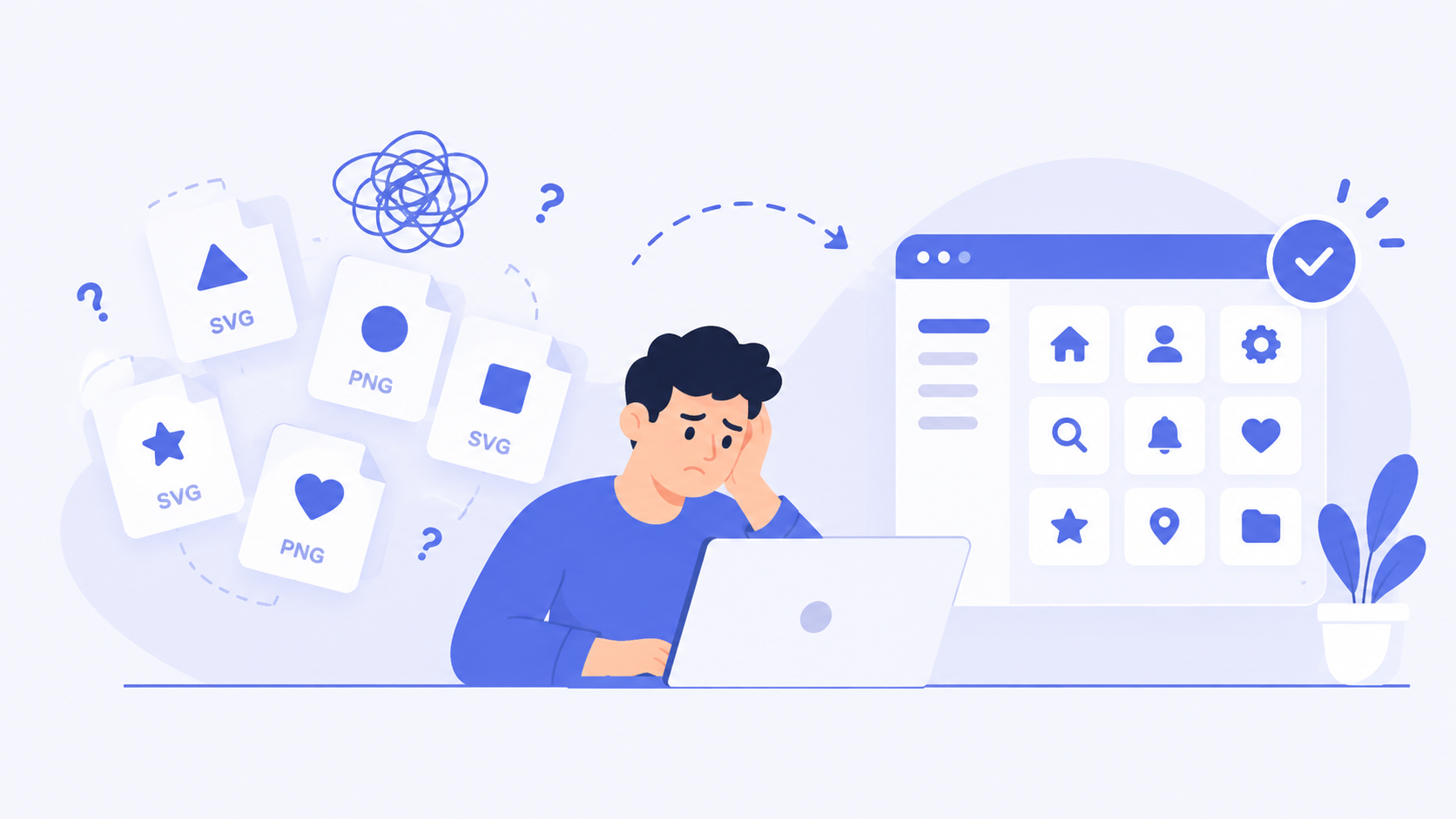
What a Better Icon Workflow Looks Like
A better process does not need to be complicated. It simply needs to remove unnecessary steps.
A practical icon workflow can follow these stages:
Stage 1: Define the Need
Before searching, decide what the icon is supposed to communicate. Think about its purpose, placement, style, and required format.
Stage 2: Search by Meaning
Use clear search terms and, where available, semantic or AI-powered search to find relevant icons faster.
Stage 3: Check Visual Consistency
Before downloading an icon, compare it with the rest of the project. Make sure its style and visual weight fit the existing system.
Stage 4: Customize
Adjust the icon when necessary. Change properties such as color, size, or stroke while keeping the original design clean.
Stage 5: Export the Right Format
Choose SVG, PNG, or another required format based on where the asset will be used.
Stage 6: Organize for Reuse
Save the icon with a useful name and place it in the correct collection or library. This makes future projects faster.
This improved icon design process reduces unnecessary switching and makes each step easier to repeat.
Common Mistakes to Avoid
Even good tools cannot fix a poor process. Some common mistakes can continue to damage an icon workflow.
Using too many icon libraries: Switching between libraries can create inconsistent styles and slow down searches.
Ignoring consistency: An icon should not be selected only because it looks attractive. It should also fit the visual language of the project.
Keeping everything as separate files: Without proper organization, useful icons become difficult to find later.
Using the same format everywhere: Different projects have different technical needs. Choose the format according to the final use.
Repeating manual work: If the same customization is performed again and again, the process needs improvement.
Simplify Your Icon Workflow with IconMarvel
Stop switching between multiple tools to search, customize, and manage icons. IconMarvel brings a smarter icon workflow into one place, with a powerful icon library, customizable SVG icons, and tools built for modern designers and developers. Explore IconMarvel and make your icon design process faster, simpler, and more organized.
Conclusion
Most icon workflows are broken because they were built around individual tasks rather than the complete design process. Searching, editing, converting, and organizing icons often happen in separate places, creating unnecessary friction.
A better icon workflow connects these stages into a simple and repeatable system. It makes icons easier to discover, customize, manage, and reuse. The future of icon design is not just about having more icons. It is about having a smarter way to work with them. When the right search, customization, formats, and organization come together, the entire icon design process becomes faster and more reliable.