SVG icons
Why SVG Icons Are Better Than PNG Icons for Modern Websites
7 min read
Why SVG Icons Are Better Than PNG Icons for Modern Websites
Icons are an important part of modern website design. They help users understand menus, buttons, features, and actions without adding too much text. For years, PNG icons were a common choice for websites. However, SVG has become a popular option because it offers better flexibility, scalability, and customization.
When comparing SVG icons vs PNG icons, both formats have their own advantages. However, for most modern websites, SVG is often the better choice. In this guide, we will explain the main differences between SVG and PNG, the benefits of SVG icons, and why developers and designers are choosing SVG icons for websites.
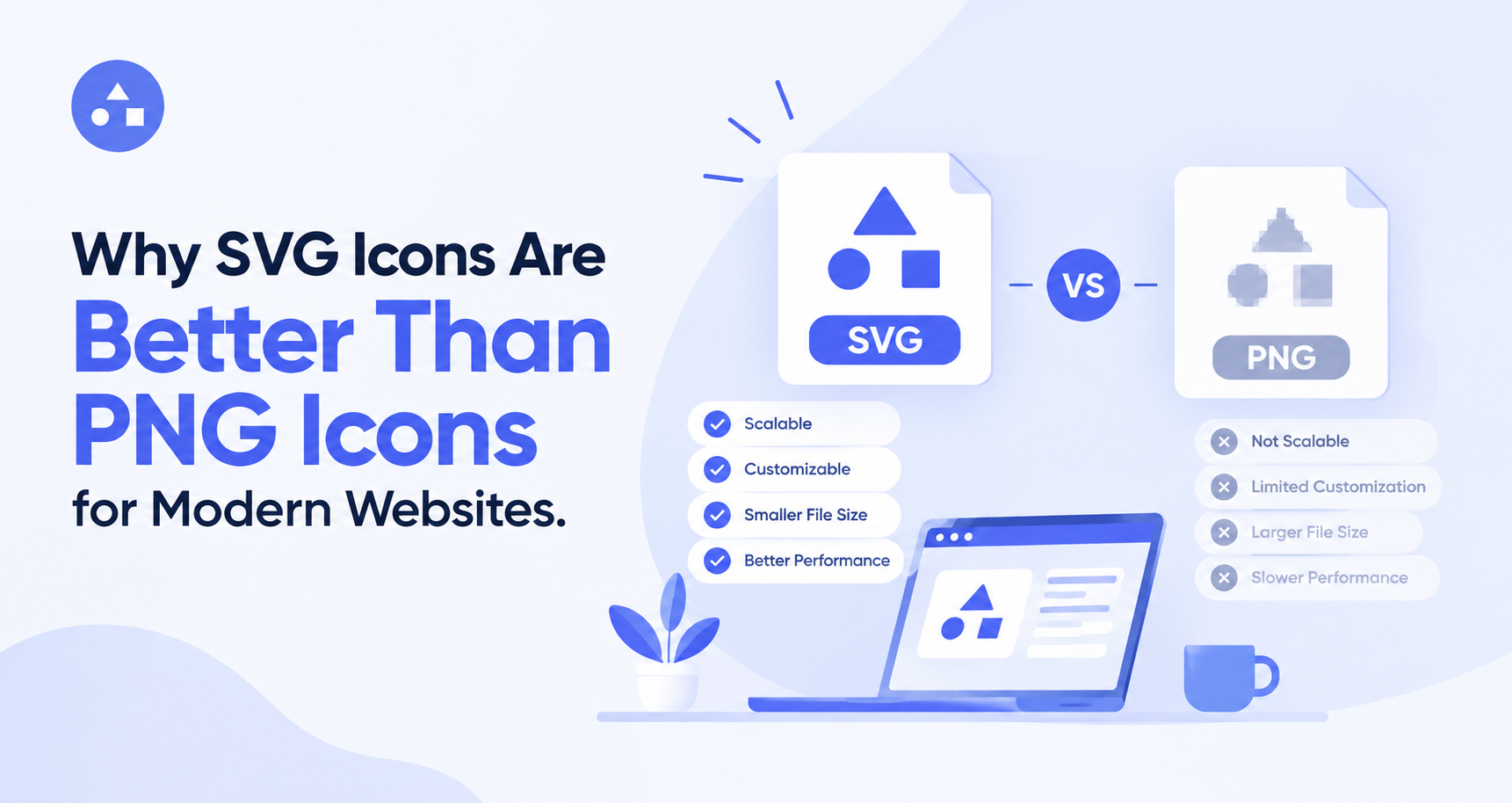
What Are SVG and PNG Icons?
Before comparing the two formats, it is important to understand how they work. SVG stands for Scalable Vector Graphics. SVG icons are created using vector shapes and paths. Because they are vector-based, they can be resized without losing quality.
PNG stands for Portable Network Graphics. PNG is a raster image format that stores images using pixels. A PNG icon has a fixed resolution, so making it much larger can make it look blurry or less sharp. Both formats can be useful, but their technical differences make them suitable for different situations.
SVG Icons vs PNG Icons: The Main Difference
The biggest difference between SVG icons vs PNG icons is how they store visual information.
SVG uses mathematical paths and shapes to create an image. This allows the icon to scale smoothly across different screen sizes.
PNG uses pixels to display an image. If the image is created at a specific size, increasing it beyond that size can reduce its visual quality. For example, a 24×24 PNG icon may look good in a small interface. If you need the same icon at 100×100 pixels, it may appear soft or blurry. An SVG icon can usually be resized to 100×100 or much larger while remaining sharp.
This is one of the main reasons SVG vs PNG has become an important consideration in modern web design.
1. SVG Icons Stay Sharp at Any Size
One of the biggest benefits of SVG icons is scalability. Websites are viewed on many devices, including smartphones, tablets, laptops, and large desktop monitors. Icons need to look clear on all of these screens.
SVG icons can be resized without losing their sharp appearance. This makes them ideal for responsive websites where the same icon may appear at different sizes.
PNG icons, on the other hand, need to be exported at suitable resolutions for different uses. If you enlarge a small PNG too much, its pixels can become visible.
2. SVG Icons Offer Better Customization
Another advantage of SVG icons for websites is that they are easy to customize.
Depending on how an SVG is created, developers can change properties such as:
- Color
- Size
- Stroke width
- Shape properties
- Opacity
- CSS effects
For example, a search icon can be changed from black to a brand color using CSS or by editing the SVG code.
PNG files are not as flexible. Changing the color or shape of a PNG usually requires an image editor or a new exported version. This makes SVG a convenient option for websites that use custom branding and interactive design elements.
3. SVG Can Help With Responsive Design
Responsive design is now essential because users access websites from different screen sizes. With SVG icons vs PNG icons, SVG has a clear advantage when the same graphic needs to adapt to different layouts. A single SVG can be displayed at different sizes without needing separate image files for every resolution.
For example, a navigation icon may appear at 20 pixels on mobile and 28 pixels on desktop. The same SVG can be used in both places. With PNG, designers may need different image sizes to maintain good quality.
4. SVG Files Can Be Lightweight
File size is another important factor when comparing SVG vs PNG. Simple SVG icons can have very small file sizes because they contain vector instructions instead of storing every pixel. This can be especially useful when a website uses many icons.
However, not every SVG file is automatically smaller than every PNG file. Complex SVGs can contain a lot of paths and unnecessary code. Proper optimization is important. When optimized correctly, SVG can be a practical choice for reducing unnecessary image data on a website.
5. SVG Works Well With CSS
Modern websites often use CSS to create interactive effects. SVG icons can work well with these styling techniques.
Developers can use CSS to change an SVG's appearance when a user hovers over a button, selects an option, or interacts with an element. For example, a navigation icon can change color when the user moves the cursor over it. This creates a more interactive interface without requiring multiple image files. PNG images can also be used in interactive interfaces, but they generally do not provide the same level of direct styling control.
6. SVG Icons Are Great for Modern Interfaces
Modern websites often use clean, simple, and responsive designs. Icons need to match this style while remaining flexible.
SVG icons for websites work well in:
- Navigation menus
- Search bars
- Buttons
- Forms
- Dashboards
- E-commerce stores
- Mobile interfaces
- SaaS applications
- Landing pages
- Design systems
Because SVG icons can be resized and customized, designers can maintain a consistent visual style across different parts of a website.
When Should You Use PNG Icons?
Although SVG has many advantages, PNG is not useless. PNG can still be a good choice when you need a raster image or when working with graphics that contain detailed pixel-based elements. It may also be useful when a particular platform or tool does not support SVG properly.
PNG can work well for:
- Detailed raster graphics
- Screenshots
- Pixel-based artwork
- Older systems with limited SVG support
- Images that do not need resizing
The right format depends on the specific project. However, for simple interface icons, SVG is often the more flexible option.
SVG Icons vs PNG Icons: Quick Comparison
FeatureSVG IconsPNG IconsImage typeVectorRasterScalabilityExcellentLimitedQuality when resizedStays sharpCan become blurryCustomizationEasyMore limitedCSS stylingStrong supportLimitedResponsive designExcellentRequires suitable sizesTransparencySupportedSupportedBest forWeb icons and interfacesRaster images and detailed graphics
This comparison shows why SVG icons vs PNG icons is not simply about image quality. It is also about flexibility, customization, and how the image will be used.
Best Practices for Using SVG Icons
To get the most from SVG, keep a few best practices in mind.
Use Consistent Icons
Choose icons with similar styles, sizes, and visual weight. Mixing too many different styles can make a website look unorganized.
Optimize SVG Files
Remove unnecessary metadata, comments, and extra code from SVG files when possible. Optimized files can be smaller and easier to manage.
Consider Accessibility
Icons that communicate important information should have suitable labels or supporting text. Do not depend only on an icon when users need to understand an action clearly.
Use the Right Icon Size
Even though SVG can scale to almost any size, the displayed size should still fit the interface. An icon that is too large or too small can affect usability.
Choose Quality Icons
Use professionally designed icons with clean paths and consistent proportions. A high-quality icon set can make a website feel more polished.
Find High-Quality SVG Icons With IconMarvel
Choosing the right icons does not have to take hours. IconMarvel provides a large collection of icons for designers and developers who need flexible graphics for modern digital projects.
Instead of creating every icon from scratch, you can explore different styles and find icons that fit your website or application. SVG icons can also provide the flexibility needed for responsive layouts and customized interfaces.
Explore IconMarvel today and find high-quality SVG icons for your next website, app, or digital project.
Final Thoughts
The comparison between SVG icons vs PNG icons shows why SVG has become a popular choice for modern websites. SVG icons are scalable, customizable, responsive, and well suited to modern web interfaces. PNG still has useful applications, especially for detailed raster graphics. But when you need simple icons for buttons, navigation, dashboards, and responsive layouts, SVG often provides greater flexibility.
Understanding SVG vs PNG can help designers and developers choose the right format for each project. By using the benefits of SVG icons and following good design practices, you can create websites that look clean, consistent, and professional across different devices.